
Grain vs. Peakto
You want one place to find photos and videos across your Mac. Some files live in folders; others may live inside an editing application’s catalog. If you are comparing Grain with Peakto, that distinction is a useful place to start.
Search photos, people and video passages across your drives. Connect the results to your creative workflow through Grain’s MCP server and CLI.
Why Grain fits
You want photo, people and video search across existing folders and drives, with agent access through MCP and the CLI.
Specific Peakto workflows to compare
Check Peakto’s integration with your specific Lightroom or Capture One catalog, including the edits and organization you need preserved.
Photos, people and video. One searchable library.
- Find people in your photos. Name a face once, review the matches, then choose a person from search to browse their photos. Beta.
- Search footage and dialogue. Find videos by description. Every recording is transcribed on your Mac, so you can search what was said and jump to the moment. Beta.
- Find duplicates. Use duplicate detection to identify repeated files in your library.
- Put the results to work. Gather selections in collections, open originals in your editor, or connect compatible agents through Grain’s MCP server and CLI.
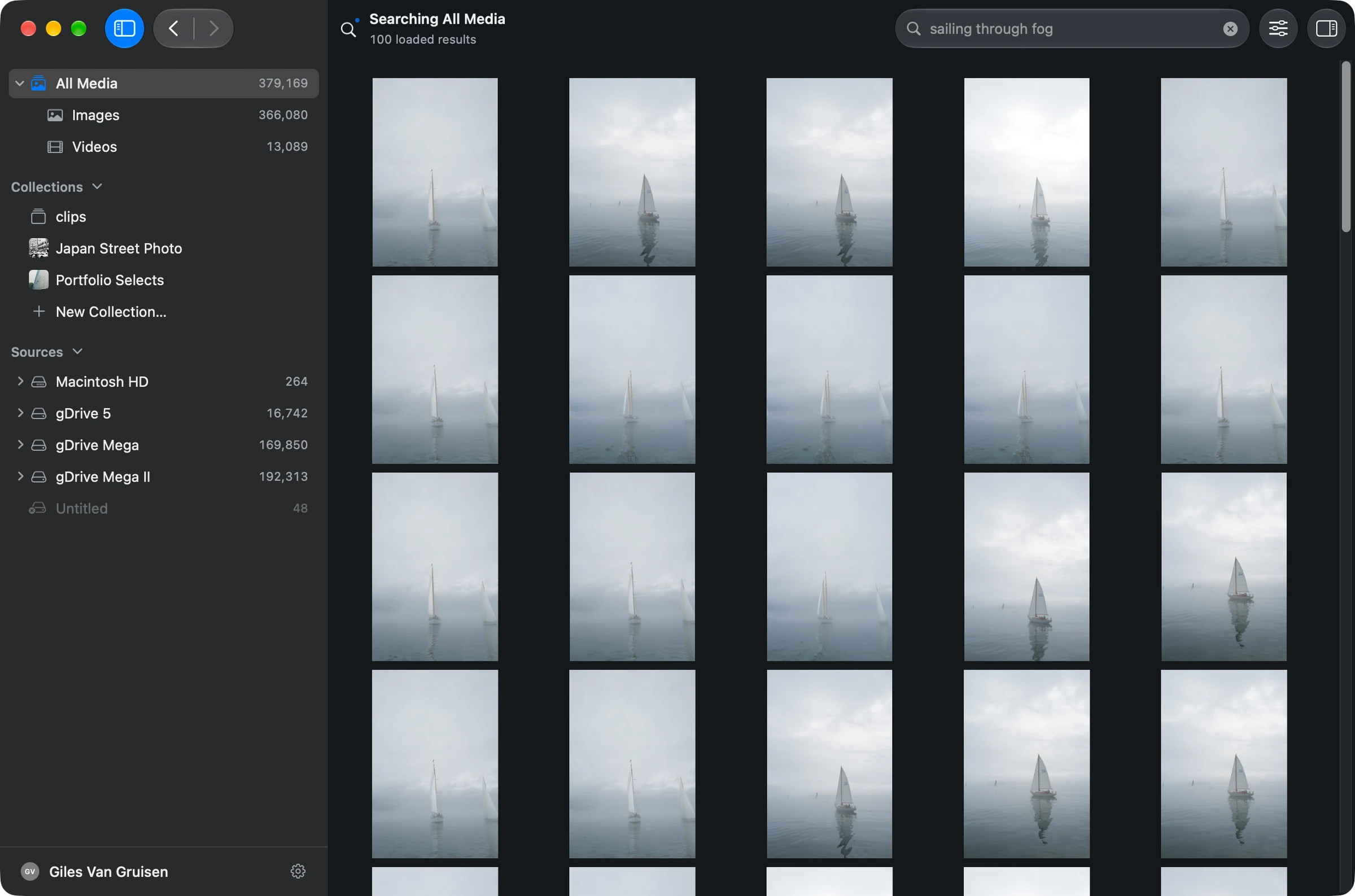
The differences that matter
People and Clips are in beta in Grain Photo 1.3.
| Your workflow | Grain Photo for Mac | Peakto |
|---|---|---|
| AI search | Find photos and footage by subject or scene across drives. | Natural-language search for photos and videos. [1] |
| Local analysis | Private, on-device AI. No media uploads. | Local AI analysis. [1] |
| Library approach | One searchable library; your folders and originals stay in place. | A combined view across supported sources and creative catalogs. [1] |
| Beyond retrieval | Organize selects, detect duplicates and connect agents through MCP and CLI. | Includes video dialogue search; collaboration features depend on plan. [1] |
Start with where your originals live
If your archive is already a set of folders on your Mac and external drives, you can try Grain directly on those files. Choose a folder, let its media be analyzed, and search for a subject or remembered detail. You do not need to rearrange the archive first.
The useful outcome is simple: find a candidate, preview it, then reveal the original in Finder. Keep using your preferred editor for adjustments and exports.
Catalog integration is a separate requirement
Peakto positions itself around a combined view of media from multiple sources and creative applications. If retaining catalog-specific edits, variants or organization is central to your decision, check the exact integrations you need.
Grain’s development preview includes people search in photos and on-device video transcription and dialogue search. Its MCP server and CLI also connect your library to compatible assistants and scripts. Direct catalog import and team collaboration remain separate requirements to compare.
Try it on a folder you know
- Pick a folder whose original photos or clips are directly accessible.
- Try a visual search after analysis, then narrow it to one source.
- List any catalog-only information you need; verify it separately from searching the original files.
See the walkthrough: get started, search by description, or search an external drive.
Before you choose
Is Grain the only private AI search option?
No. Peakto also describes local AI processing. Grain’s case is its focused workflow and one-time Mac price, not a claim that competing tools require you to upload everything. [1]
Does the Mac purchase include Studio features?
No. The $49 purchase is Grain for Mac. Studio is a separate offering; evaluate remote access, team sharing and other Studio requirements separately.
Put your archive to work.
Find the people, photos and footage for your next project. Bring the results into your editing and agent workflows.
7-day trial · Apple silicon · macOS 13 or later
Built-in search runs on your Mac. Optional connections to external AI assistants have their own data handling.
Sources & scope
Written by Grain. Competitor details checked against official documentation on . This is a workflow comparison, not an independent review or a speed or accuracy benchmark. Features and plans can change.
People and Clips are in beta in Grain Photo for Mac. Automatic transcription runs on macOS 26; the rest of Grain runs on macOS 13 or later.